JavaVCPU
Screenshots
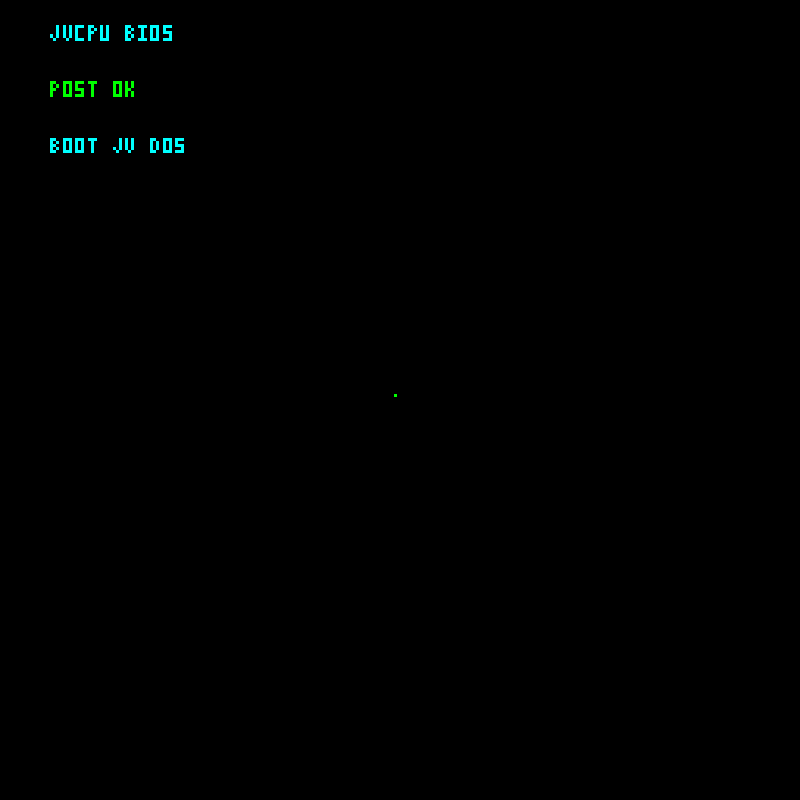
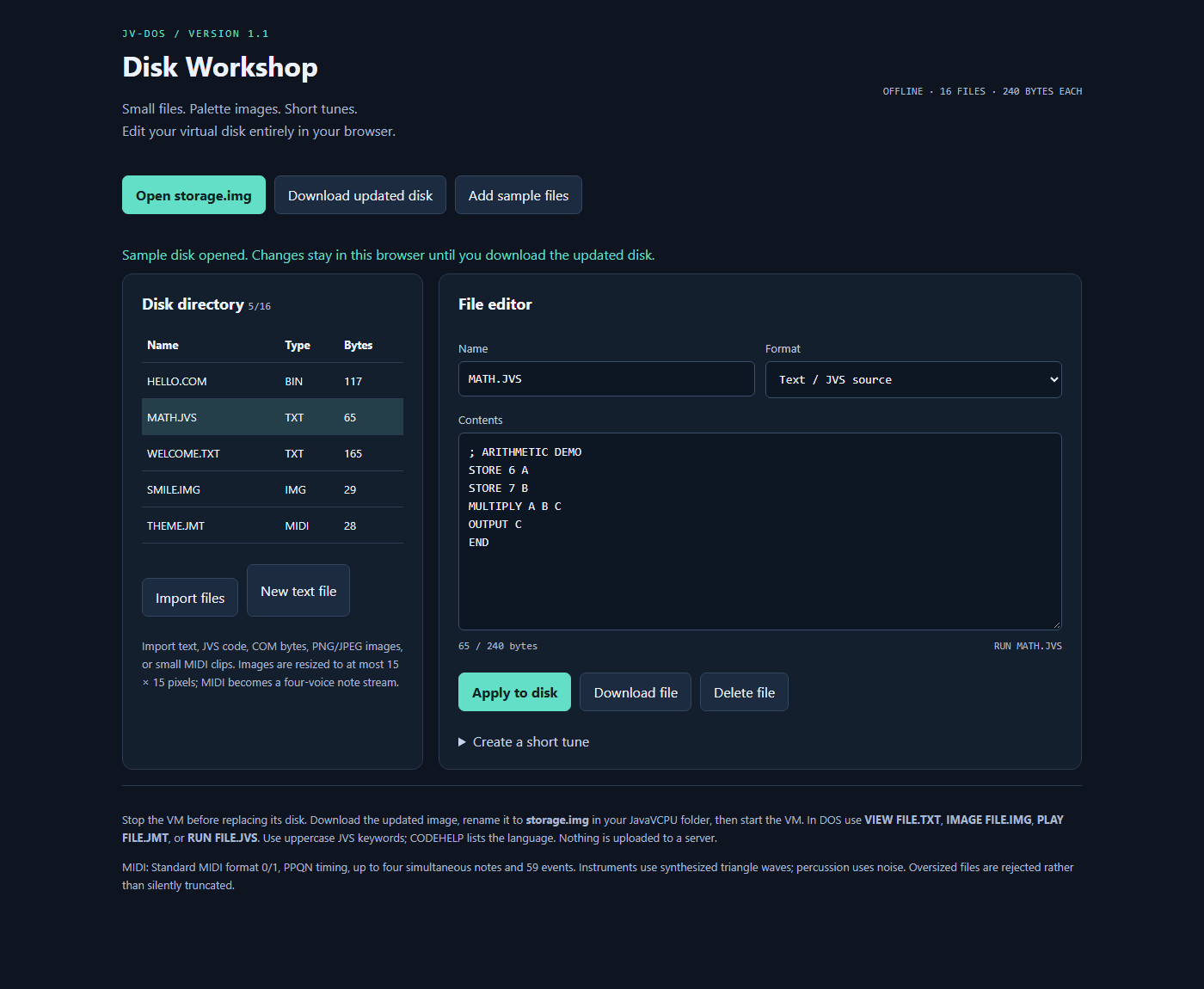
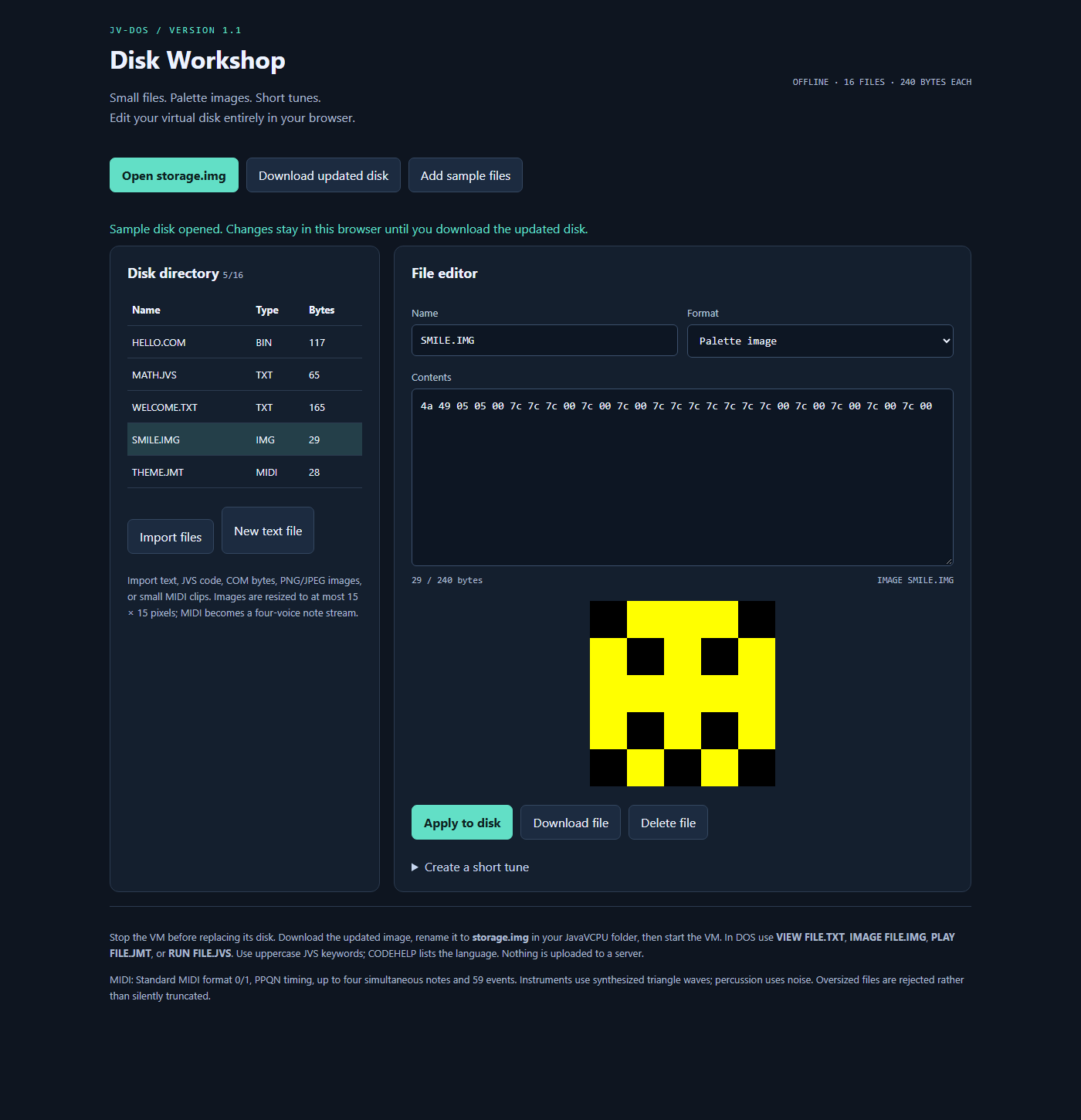
These captures show the current JavaVCPU display and Disk Workshop using a separate sample disk. VM images capture the actual Swing display content at 800 × 800 pixels, without desktop borders. Workshop images show the local browser interface. Captured October 11, 2026.
Boot and command line
| BIOS POST | JV-DOS shell |
|---|---|
 |
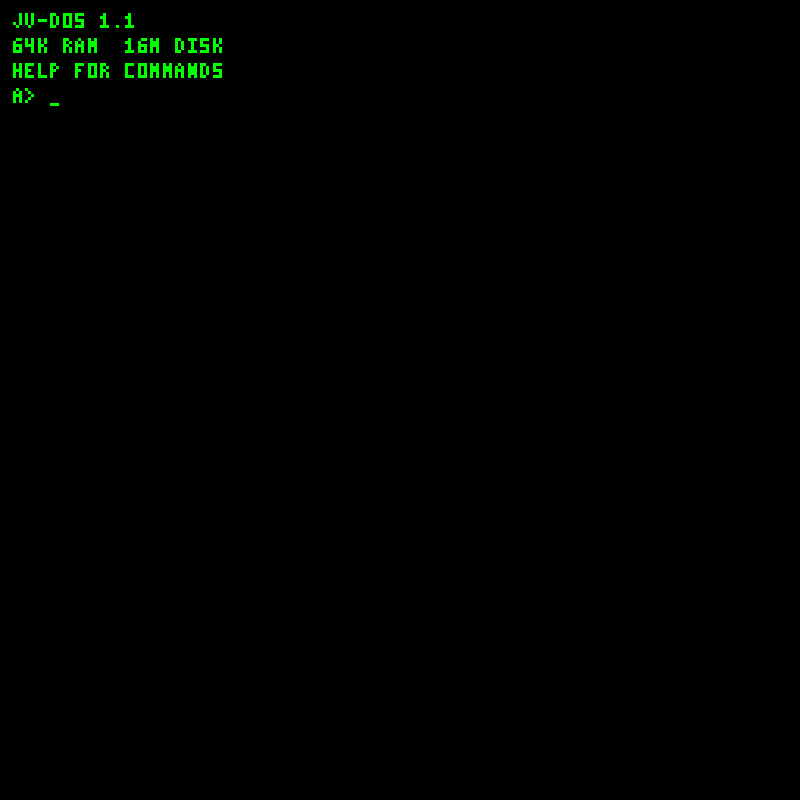 |
| Normal boot briefly displays POST before entering DOS. | Click the display and type a command at A>. |
| Shell help | Programming help |
|---|---|
 |
 |
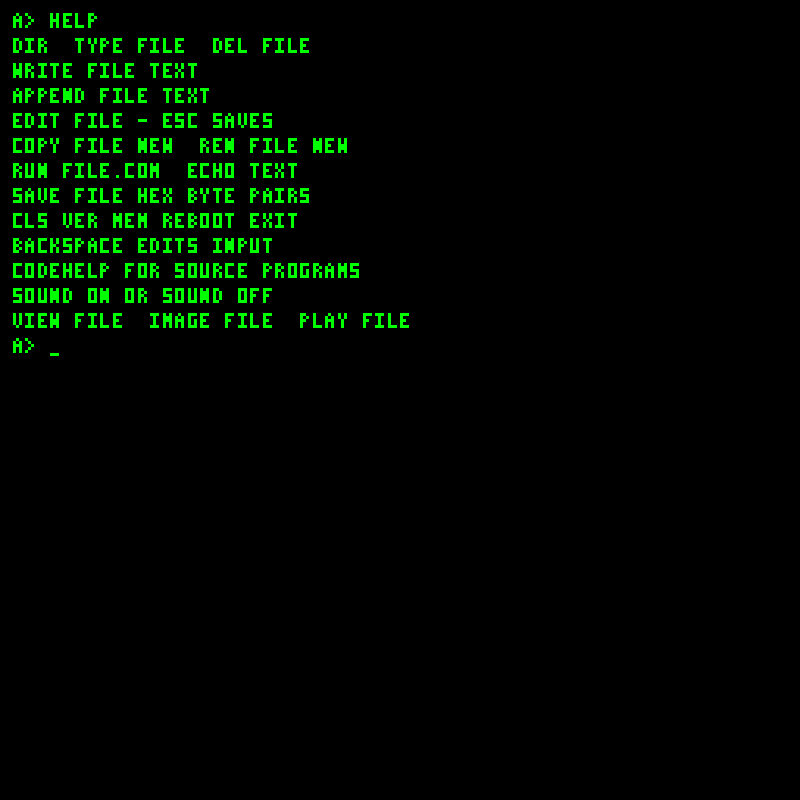
HELP lists file, media and system commands. |
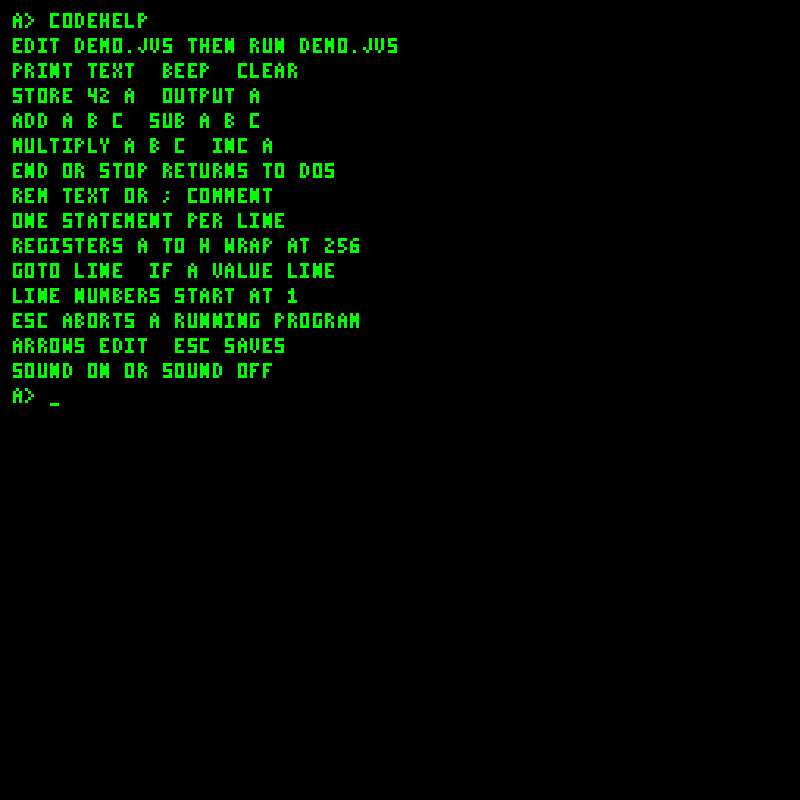
CODEHELP explains source statements and bytecode instructions. |
| File directory | Source editor |
|---|---|
 |
 |
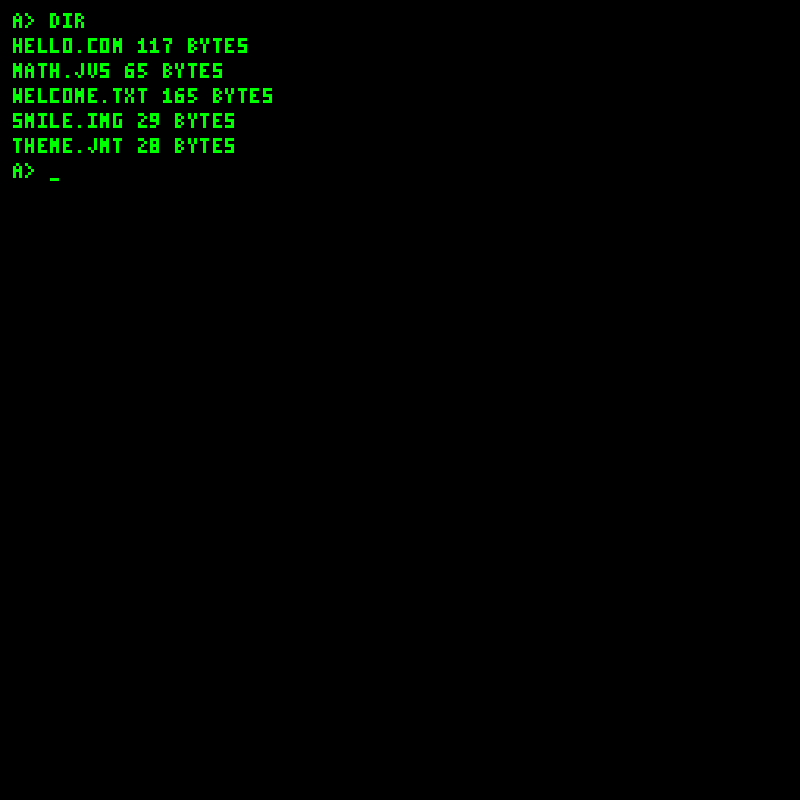
DIR lists files on the virtual disk. |
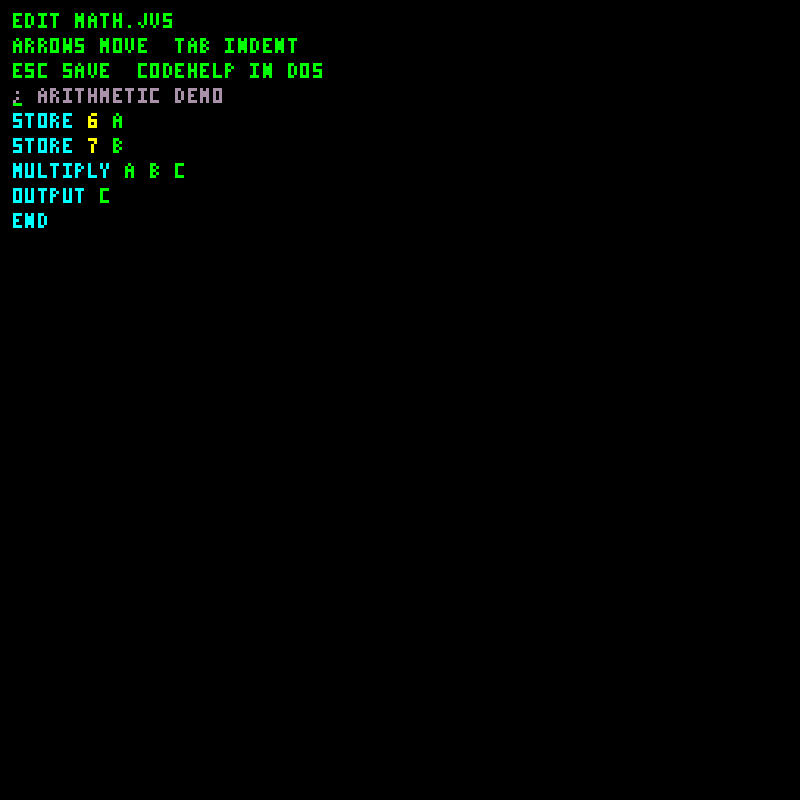
EDIT MATH.JVS; Esc saves and returns to DOS. |
See Getting started, JV-DOS and JVS programming.
Documents and media
| Document pager | Palette image viewer |
|---|---|
 |
 |
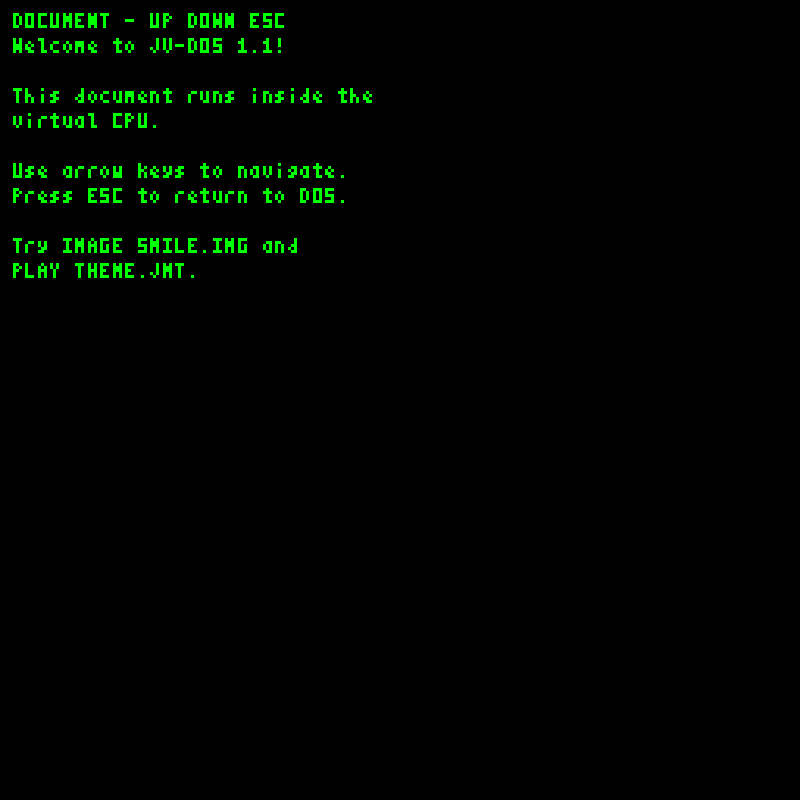
VIEW WELCOME.TXT; arrows navigate, Esc closes. |
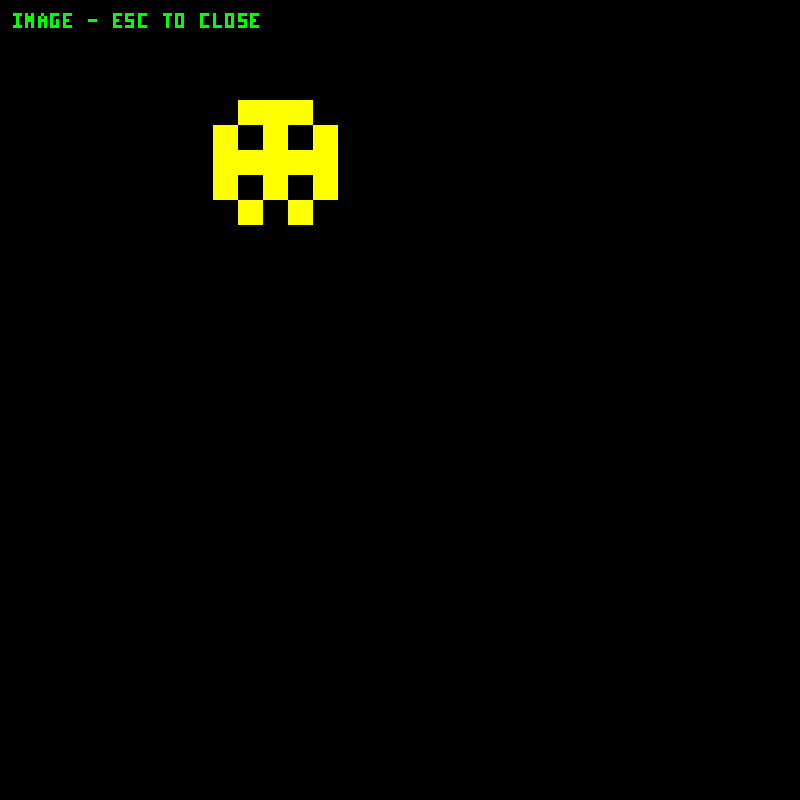
IMAGE SMILE.IMG; Esc, Enter or Q closes. |
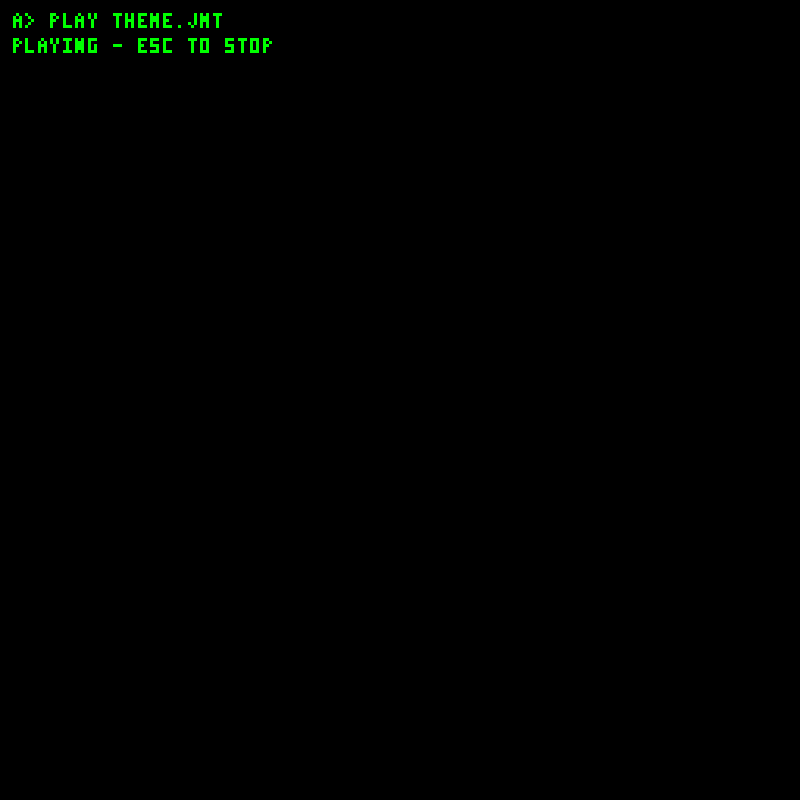
PLAY THEME.JMT displays playback status while the synthesized voices play. Esc stops playback. This is a text status view; there is no graphical transport or waveform.
See JV-DOS and Disk and media formats.
Running programs
| JVS source execution | COM bytecode execution |
|---|---|
 |
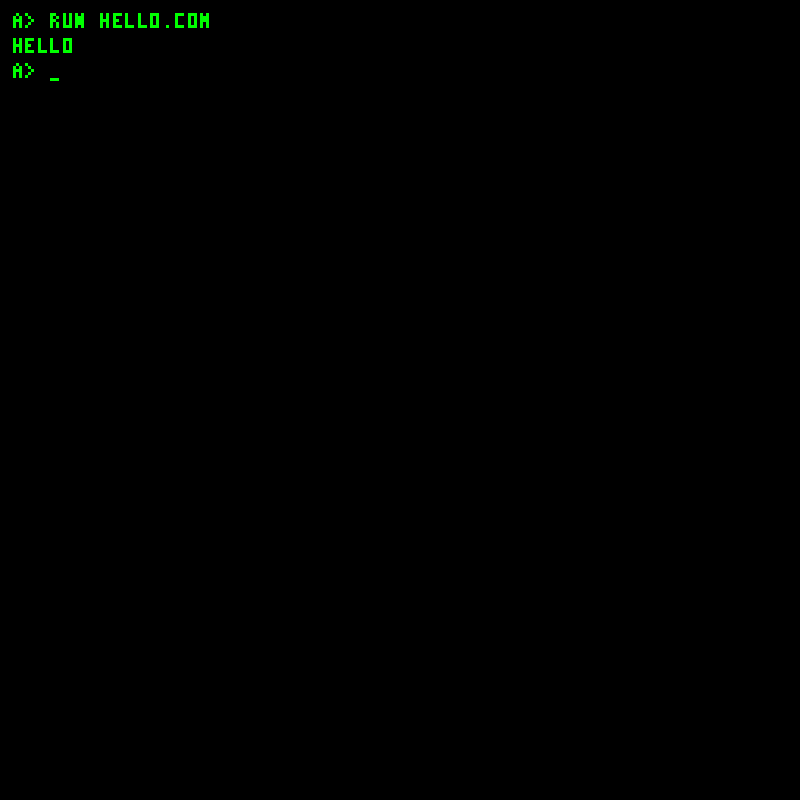 |
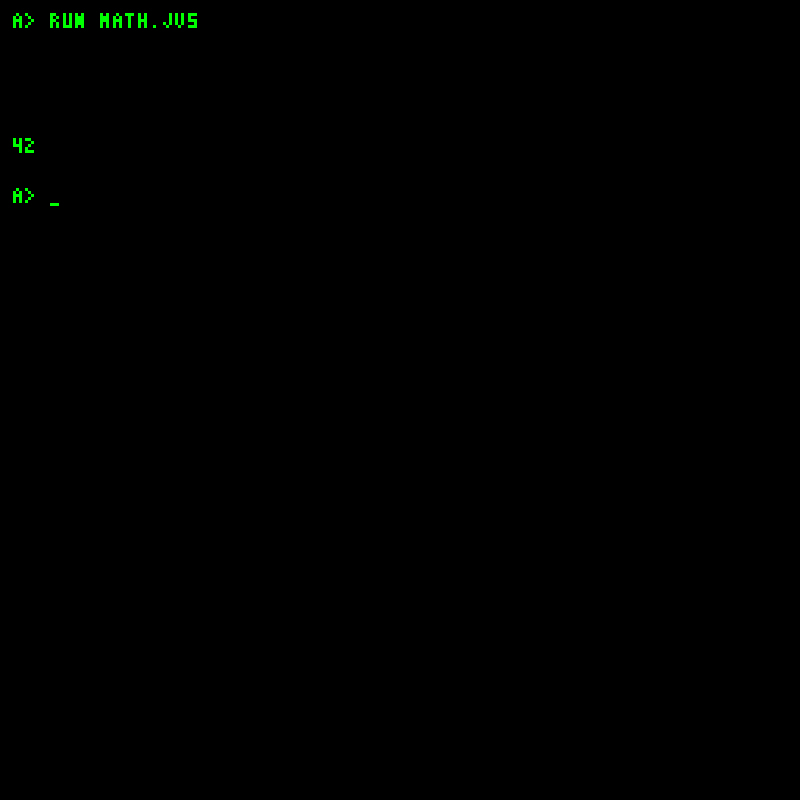
| The captured arithmetic source multiplies 6 by 7. | The seeded guest executable prints a greeting and returns to DOS. |
| Built-in display greeting | Snowfall animation |
|---|---|
 |
 |
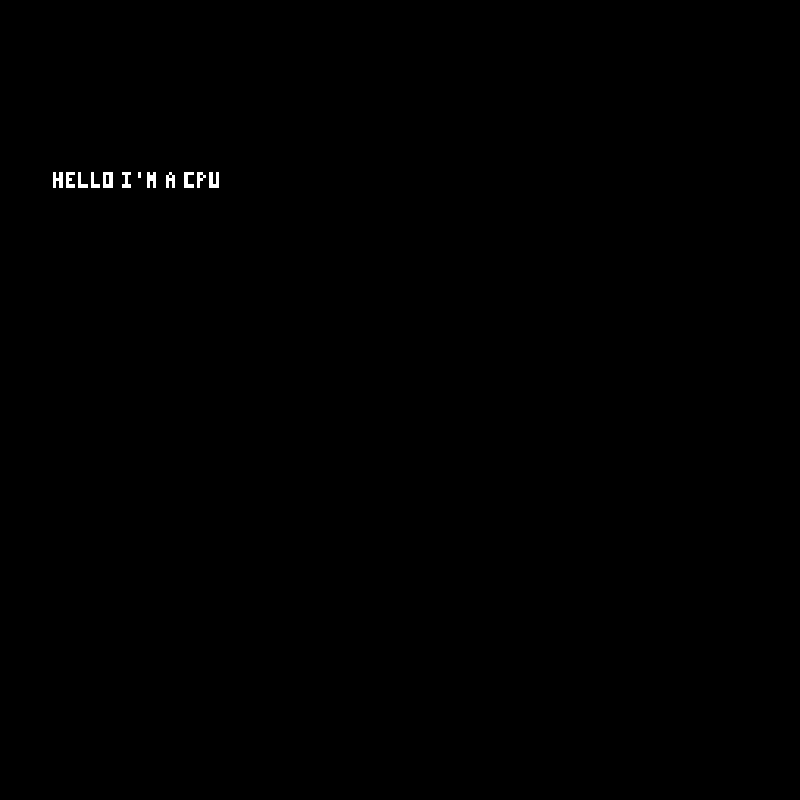
Programs.Program.DISPLAY_HELLO_CPU |
Programs.Program.SNOWFALL; a still frame of the pixel animation. |
The built-in graphics demos require selecting their program in the loader; they are not DOS commands. Console-only arithmetic, memory and peripheral demos have no separate display view.
See Example programs and COM programming.
Disk Workshop
Open tools/disk-workshop/index.html locally and select a disk. The directory and file editor share one page.
Directory and text editor
Palette image preview
Tune composer
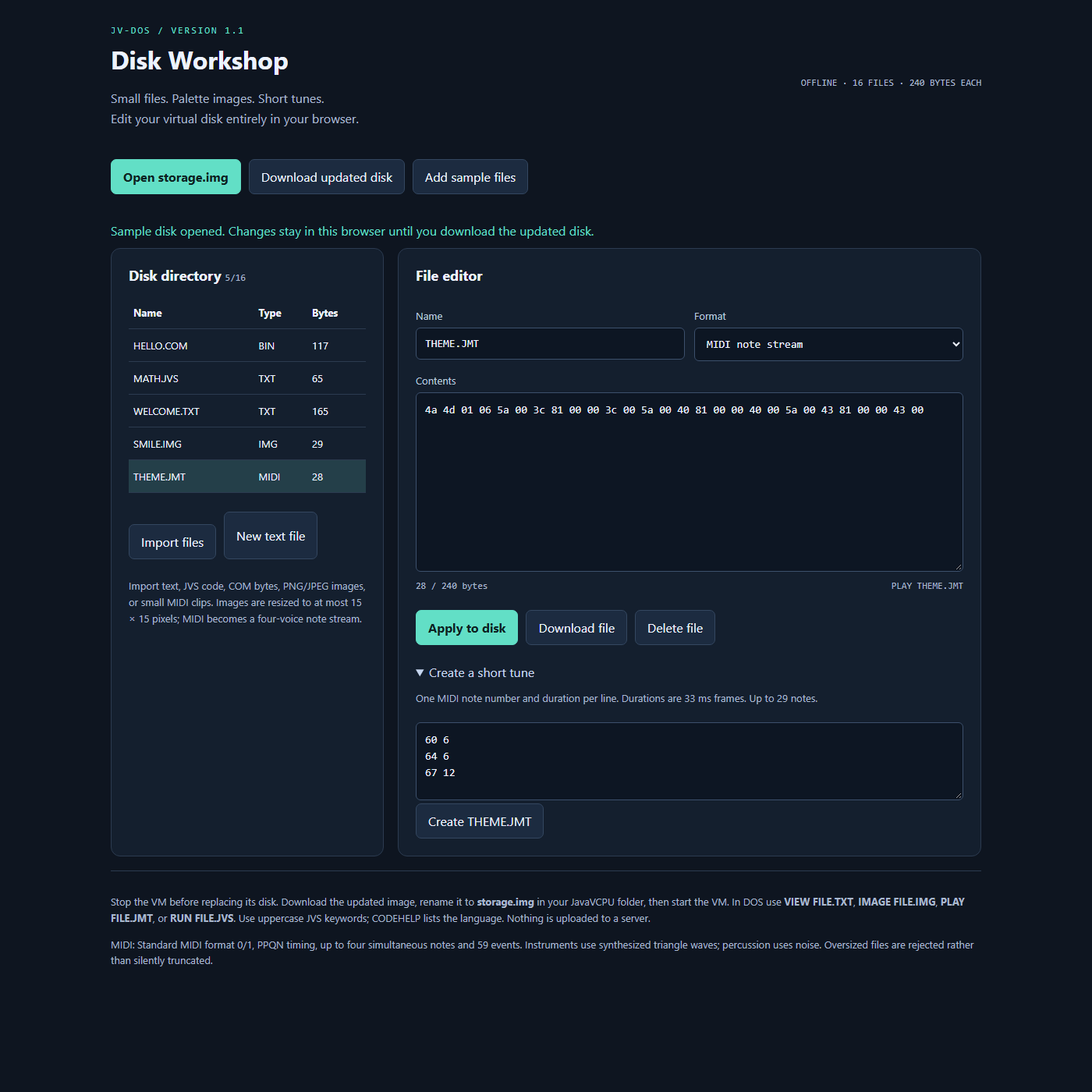
See Tooling and Disk Workshop for importing, applying edits and downloading the updated disk.