JavaVCPU
Documentation layout
wiki/ contains GitHub Wiki-compatible Markdown pages. Begin with Home. _Sidebar.md supplies wiki navigation; page links omit .md to match GitHub Wiki routes. When reading directly on disk, open the corresponding .md file in that folder.
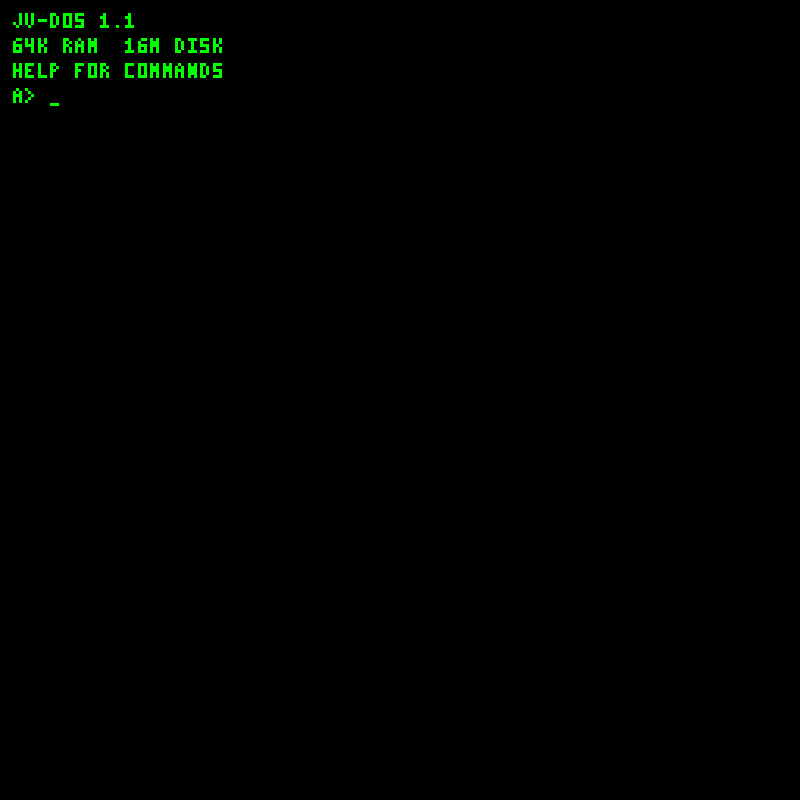
The screenshot gallery covers boot, shell/help, directory, source editing, documents, images, music, program execution, graphics demos and Disk Workshop. Screenshots also appear beside the relevant instructions in the guides.
docs/
  README.md
  wiki/
    Home.md
    Screenshots.md
    images/  # PNG screenshots shared by the wiki and READMEs
    _Sidebar.md
    Getting-started.md
    Architecture.md
    Instruction-set.md
    JV-DOS.md
    JVS-programming.md
    COM-programming.md
    Tooling-and-Disk-Workshop.md
    Disk-and-media-formats.md
    Example-programs.md
examples/
  README.md
  build.ps1
  bare-metal/  # commented .hex listings and generated .bin files
  dos/         # .JVS source, HI.hex and generated HI.COM
This is a local documentation package; no GitHub wiki has been published. If you later choose to publish, the contents of docs/wiki/, including images/, belong at the root of the repository’s separate .wiki.git checkout. Keep example programs in the main repository. Image links are relative to each page so they work both in the repository and in that wiki checkout.